Table of Contents
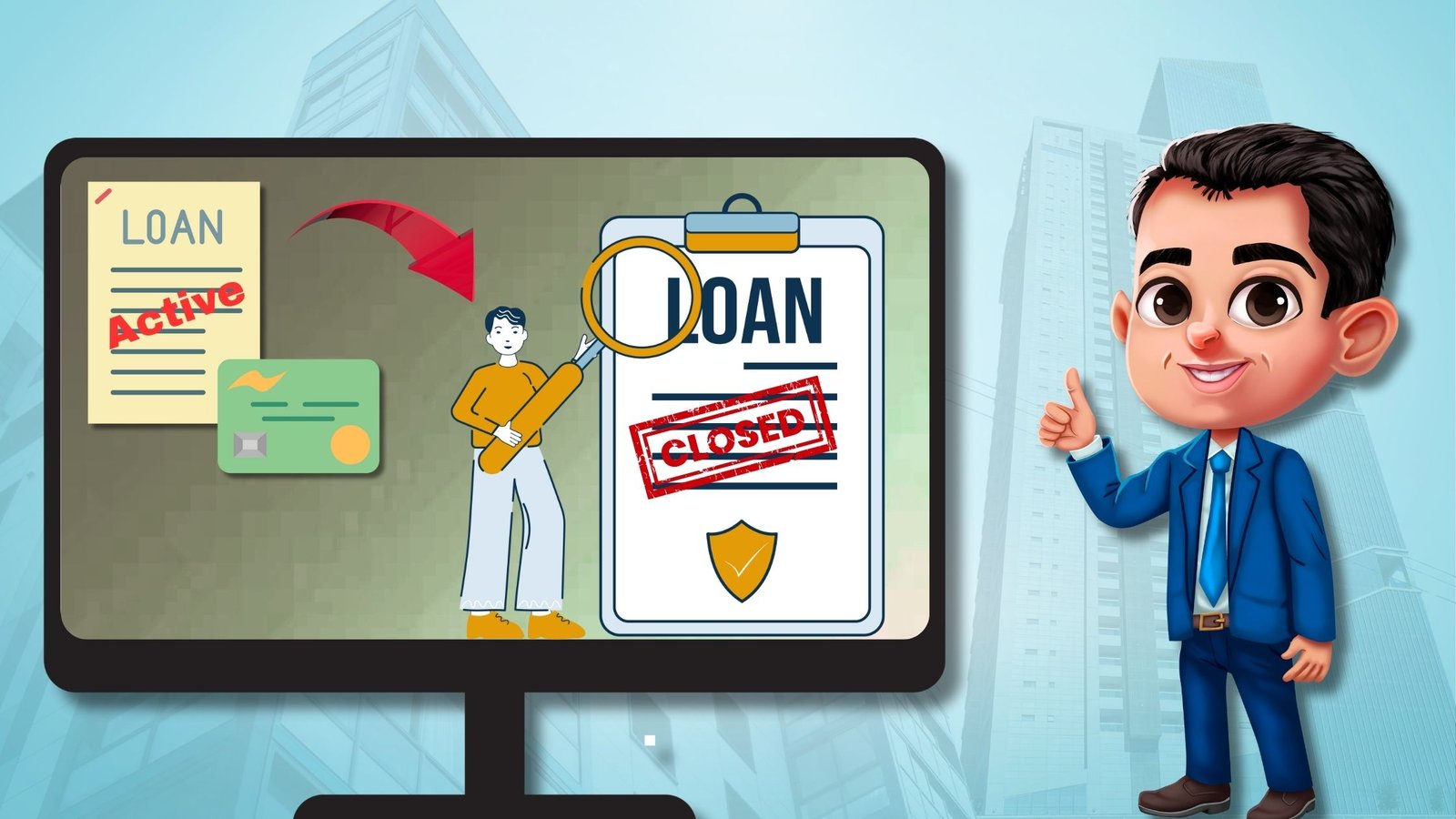
Did your loan application get rejected due to a delinquent loan/ credit card showing on your CIBIL report? In this scenario, the bank manager may advise you to close the default loan immediately and update the closing status in your CIBIL. Then only, they will consider your loan application. Now, if you are looking for proper guidance on how to close active loan account in CIBIL report, this article will help you.
In this blog, we have explained the entire procedure step by step. Follow these methods to rectify your CIBIL successfully.
Possible reasons for reporting a loan account as ACTIVE in your CIBIL report:
1. Loan remains active due to pending dues:
In general, if there is any outstanding amount on your loan or credit card, the account will continue to be shown as active in your CIBIL report. To close the account, you must clear the entire outstanding balance.
In some cases, if an individual is unable to pay their EMIs or credit card dues for a prolonged period, the account may not only remain active but may also be labelled as delinquent in the credit report. Along with this, default remarks such as “Overdue,” “Written-off,” or “Suit Filed” may also appear against the account.
If such a serious situation happens to you, you should pay the outstanding dues immediately to close active loan account in CIBIL report.
2. Loan remains active due to non-updation:
If you have already paid the entire outstanding amount and obtained the No Objection Certificate (NOC) from the lender, but your loan account is still shown as “Active” in your CIBIL report, it may simply be due to the update cycle.
Lenders generally update borrowers’ repayment records on a fortnightly basis. Therefore, after closing a loan account, it can take 15–30 days for the closure status to be reflected in your CIBIL report.
However, if your loan account continues to appear as active even after two months or more from the closure date, it becomes a matter of concern.
In such cases, you should raise an online dispute with CIBIL and also submit a complaint letter along with all the payment receipts and NOC to ensure the records are corrected.
3. Active Credit card account:
Sometimes, you may find that your credit card account is still being reported as “active” in your CIBIL report, even after you have cleared all outstanding dues and requested closure of the card. This usually happens when the lender has not formally deactivated the credit card on their end, and you remain unaware of it.
In such cases, the system continues to generate annual charges, late fees, or other incidental charges on the inactive account. Over time, these unpaid charges accumulate and start reflecting as outstanding dues in your credit report, which negatively impacts your CIBIL score and creditworthiness.
To avoid long-term damage, you should contact your card issuer and request for permanent deactivation of your credit card. After the card is successfully closed, make sure to collect a No Objection Certificate (NOC) or closure letter from the lender. This document serves as proof that there are no pending charges and the account has been closed in full.
Once you have the NOC, raise an online dispute on the CIBIL website by attaching the closure proof to update the card closure status in CIBIL.
4. Active pay later services:
In today’s digital era, many people use ‘Pay Later’ services such as Amazon Pay Later, Flipkart Pay Later, Paytm Post paid, and others. It’s important to understand that when you access any of these Pay Later services, that is considered as a personal loan.
Typically, these loans are sanctioned by their lending partners (such as Karur Vysya Bank, Capital Float, IDFC First Bank, Aditya Birla Finance, etc.) and are reported to CIBIL accordingly.
As long as you continue using these Pay Later facilities, the corresponding personal loan account will remain active in your CIBIL report.
To close such loans, you must first close the Pay Later account and obtain a No Dues Certificate (NDC) from the respective lender. After that, you should raise an online dispute with CIBIL to close active loan account in CIBIL report ultimately.
Steps to be followed to close active loan account in CIBIL:
Now, the most crucial part: if you’re going through the above-mentioned scenarios and have a delinquent active loan in your CIBIL report, which hampers your credit score gradually, then follow these steps to rebuild your credit standing.
1. Contact the lender and pay the dues:
To close active loan account in CIBIL, first you should contact the respective lender and ask them to share the loan account statement or foreclosure letter against the loan/ credit card account.
You can approach the lender directly by visiting the loan-availing branch, or alternatively, you can send an email to their customer support team or their higher authorities.
If there is any due pending from your end, then pay the same immediately. Always try to pay the entire outstanding amount rather than opting for a negotiation or compromise settlement.
In case of loan settlement, even though your loan will be treated as closed, the lender reports the loan status as “Settled” in your CIBIL report, which also impacts negatively on your credit score. So, always try to take a written confirmation from the lender and pay the demanded amount accordingly.
If you have already paid the outstanding amount in full, then skip this step and directly raise your complaint with CIBIL, attaching the relevant payment proof.
2. Collect the No Dues Certificates from the lender:
When closing a loan account, you should always collect a No Dues Certificate (NDC) from the lender. Sometimes, even after receiving the full outstanding amount, lenders may forget to update their system, causing the account to still appear as active in your CIBIL report.
But when you collect the NDC from the lender, it ensures that the particular loan account officially stands closed. Additionally, it will also be used as evidence when you raise your complaint in CIBIL.

3. Raise an online dispute:
After closing a loan account, it took an average of 15-30 days to update the loan closure status in your CIBIL report. If you notice the loan is still shown as active or default in your credit report even after 2 months, then it is a serious issue. In this case, you need to put some extra effort to close active loan account inCIBIL report.
For this purpose, log in to the CIBIL portal using your User ID and Password. Navigate to the “Raise a Dispute” option and select the specific loan account for which you want to raise the complaint. In the Dispute Form, update all incorrect details with the correct ones and enter your loan closure date in the designated field. Once completed, submit the form.
After successful submission, you will receive a Dispute ID (starting with P11082025….). Make sure to keep this Dispute ID safe for future reference.
4. Write a complaint letter in CIBIL:
Apart from the standard process, there is another way to file a complaint with the CIBIL authorities. In this method, you can submit a detailed written complaint along with supporting documents, which increases the chances of resolution. To close active loan account in CIBIL, visit the CIBIL Customer Support page:https://ssp.cibil.com/contact-us/newApplicationForm/cd3f3?
Fill out the dispute form by providing your KYC details, describing your issue within 3000 characters, and upload supporting documents in PDF format—such as your CIBIL report, payment proof, No Dues Certificate, etc. Once submitted, you will receive a Service Request Number (SRN), and further updates will be shared with you via your registered email ID.
Additionally, you can also send an email directly to CIBIL Customer Care at CIBILinfo@transunion.com. However, you have to maintain a continuous follow-up with CIBIL authorities until the dispute gets resolved.
5. Sent an email to the lender:
As per the Credit Information Companies Regulation Act (CICRA), 2005, TransUnion CIBIL does not have the authority to make changes to your credit report on its own.
When you raise a dispute with CIBIL to close active loan account in CIBIL, they forward the disputed details to the concerned bank or financial institution for verification. Therefore, it is advisable to also send a separate complaint directly to the lender for faster resolution.
6. Send an email to the CIBIL Higher Authorities:
Usually, TransUnion CIBIL takes around 30 days on average to resolve a dispute. If the CIBIL customer care team fails to address your query within this timeframe, or if you are not satisfied with their response, you can escalate the matter to higher authorities, CIBIL Nodal Officer, by sending an email to nodalofficer@transunion.com.
This is all about how to close active loan account in CIBIL Report; if you have any further queries, you can comment below, and we will reply accordingly.
Read More: